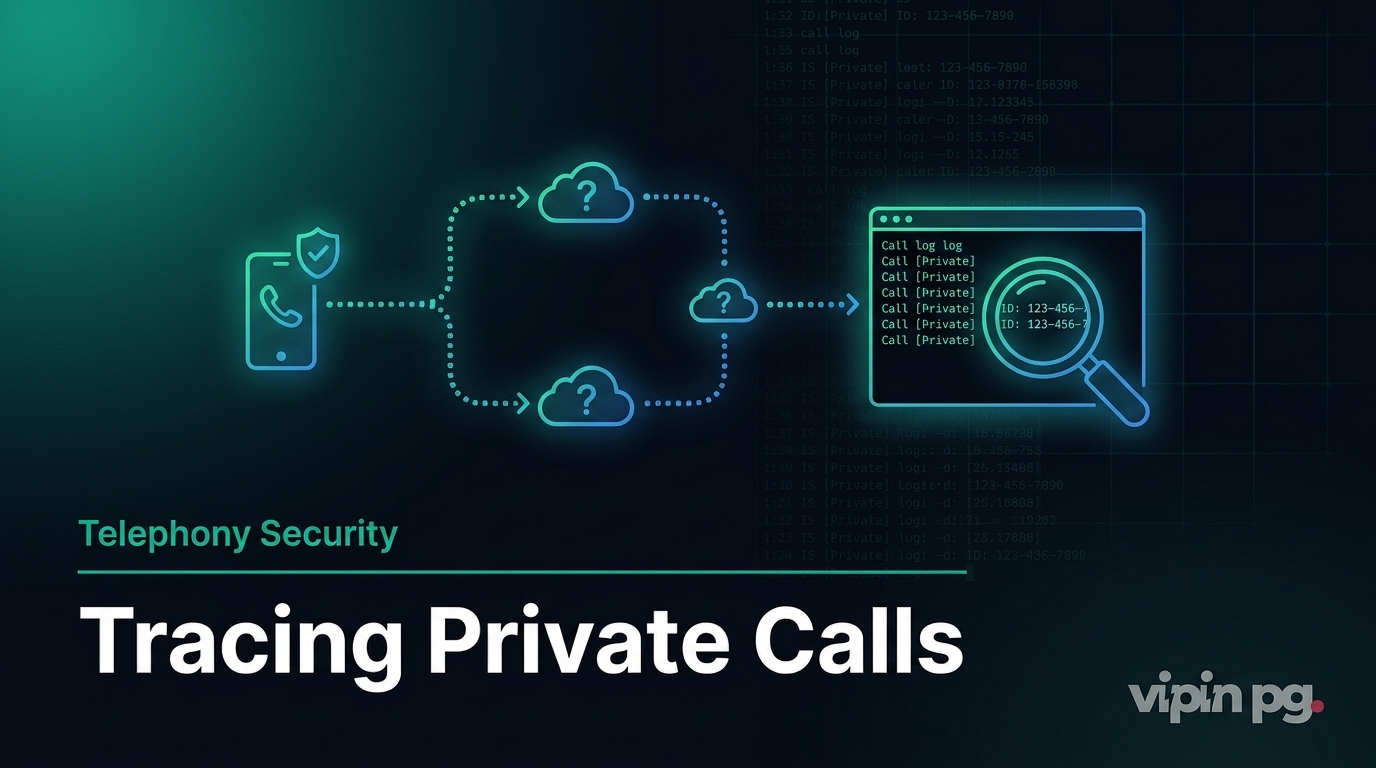
Private calls—the ones that pop up as “Private,” “Unknown,” or “Restricted” on your screen—are something most of us have encountered. Maybe you use them yourself for privacy reasons, or maybe you’re on the receiving end wondering who’s behind that blocked number. Either way, understanding how they actually work and whether you can trace them is pretty important, especially if you’re dealing with unwanted or suspicious calls.
This guide walks you through the tech behind private calls, the real options you have for tracing them, and what limitations you’ll hit as a regular person (not law enforcement). Whether it’s harassment, scam attempts, or just curiosity, knowing how caller ID blocking works helps you handle these situations better.
What Are Private Calls?
A private call is when someone deliberately hides their phone number so it doesn’t show up on your caller ID. Instead of seeing their actual number, you get generic labels like “Private Number,” “Anonymous,” “Withheld,” or “Unknown Caller.”
This isn’t some new trick—it’s baked right into the phone network infrastructure and works on both landlines and mobile phones around the world. The caller decides to hide their number; you don’t have control over it. Using private calls is perfectly legal when done for legitimate reasons, but things get messy when people abuse it for harassment or scams.
How Caller ID Blocking Actually Works
Here’s what happens behind the scenes: caller ID blocking tells the phone network not to send the caller’s number during the call setup process. The system handling this is called Signaling System 7 (SS7)—it’s the backbone protocol carriers use globally to route calls and share information like caller ID.
When someone makes a private call, they can do it two ways:
- Per-call blocking: Dial a special code before the number. In the US and Canada, that’s
*67. In India and several other countries, it’s#31#(though some networks require unlocking first). - Per-line blocking: Set it up permanently through your carrier so every call goes out private unless you dial a code to reveal your number (like
*82in the US).
Quick example if you want to try it on Android or iPhone:
- Open your Phone app and pull up the keypad.
- Type the blocking code followed by the number you’re calling (like
#31#9876543210in India or*675555123456in the US). - Hit call. The person you’re calling will see “Private” instead of your number.
You can also turn it on permanently in your phone settings: On Android, go to Phone app → Settings → Calling accounts → Additional settings → Caller ID → Hide number. On iPhone, head to Settings → Phone → Show My Caller ID.
Worth knowing: This doesn’t work for emergency services (911/112), toll-free numbers, or certain international calls. Those systems use something called Automatic Number Identification (ANI) which can’t be blocked the same way.
Pro Tip: Private calls only hide the number from the recipient’s display. Your carrier still knows exactly who you are for billing and routing purposes.
The Technical Side: SS7 Signaling and Privacy Indicators
SS7 is the older but still widely used signaling protocol that tells networks how to route calls, including whether to show or hide caller ID data. When you use a blocking code, your carrier’s switch adds a “privacy indicator” flag instead of your actual number. The receiving carrier sees that flag and displays the generic message on the recipient’s phone.
Modern VoIP and mobile networks still lean on SS7 (or newer versions like Diameter), which is why this feature works consistently across different carriers.
Why People Use Private Calls
There are plenty of legitimate reasons:
- Doctors, lawyers, or businesses protecting client confidentiality.
- Personal privacy when calling strangers or services you don’t fully trust.
- Avoiding callback spam or unwanted follow-up contact.
But let’s be real—scammers and harassers love this feature too because it keeps them anonymous. That’s exactly why tracing options exist.
Can You Track or Trace a Private Call?
Short answer: Not easily if you’re just a regular person. Private calls are designed to be anonymous to whoever receives them, but they’re fully traceable by the carrier and law enforcement. The network always logs the real originating number, even when it’s hidden from your screen.
Here’s what actually works in 2026:
1. Use *57 (Call Trace) Immediately After the Call
This is your best bet if you’re dealing with repeated private harassment.
- Right after the private call ends, hang up or stay off the line.
- Immediately dial
*57(or1157on rotary phones) on the same line. - You’ll hear a confirmation tone or message if the trace went through.
- Contact your carrier (or police for serious situations) with the date and time of the call. They can provide the number to authorities.
Important: *57 only works for the last incoming call and is usually limited to a certain number of uses per month. The results go to law enforcement, not directly to you.
2. Carrier Assistance and Call Logs
Most carriers keep detailed call detail records (CDRs) that include the true originating number even for private calls. If you file a police report for harassment, authorities can subpoena those records.
In India, reach out to your provider (Airtel, Jio, Vi, etc.) or use the national cyber crime portal for serious cases.
3. Apps Like Truecaller and Their Limitations
Caller ID apps like Truecaller are great for spam and known numbers—but they can’t identify truly hidden or private calls. The number has to be visible for the app to match it against its database.
What they can do:
- Block all “Unknown/Private” calls automatically.
- Identify numbers that later become unhidden if the caller calls back without blocking.
Step-by-Step: Blocking Incoming Private Calls
If you’re tired of private calls ringing through:
- On Android: Phone app → Settings → Blocked numbers → Toggle “Unknown/private callers” or add to auto-reject list.
- On iPhone: Settings → Focus → Do Not Disturb → Allow Calls From → Everyone (or Favorites) and use Silence Unknown Callers.
- Use third-party apps or carrier features like Verizon’s Call Filter or Jio’s spam protection.
For more advanced mobile privacy tweaks, check our guide on managing Do Not Disturb on iPhone and Android.
Legal Considerations When Tracking Private Calls
Tracking private calls is legal only when done through official channels:
- You can use *57 or request carrier logs for your own line.
- Harassment or threats require police involvement—never attempt illegal surveillance.
- Recording calls without consent may violate two-party consent laws in many regions.
Always document dates, times, and content of problematic calls before escalating.
Additional Privacy and Tracking Context
Private calls are just one piece of mobile privacy. Understanding how apps handle location data or communication blocking gives you better overall control. For instance, see our explanation of phone location tracking features and how they intersect with call privacy concerns.
You might also want to explore detecting blocked messages on iMessage for a fuller picture of communication privacy tools.
Final Thoughts
Private calls work through simple caller ID blocking codes and SS7 signaling that suppress your number from the recipient’s display—while carriers always know the real source. As an individual, you can’t instantly “unmask” a private caller with an app or button, but you can trace them effectively using *57, carrier records, and law enforcement when needed.
The key is acting quickly after unwanted calls and staying within legal boundaries. Combine carrier tools, phone settings, and responsible apps, and you’ll regain control over who reaches you.
If you’re dealing with persistent private harassment, document everything and contact your local authorities or telecom provider today—they have the tools to help.