

Why I Built This Pipeline
I needed a way to query my own documentation—installation notes, config files, past troubleshooting logs—without uploading anything to external AI services. I run systems that handle internal network details, client data snippets, and infrastructure notes that shouldn’t leave my environment. Cloud-based RAG tools work well, but they require sending your data out. I wanted the same capability, but fully local.
I also wanted automatic ingestion. Dropping a PDF into a folder and having it indexed without manual steps meant I could treat this like any other monitoring or backup workflow—set it once, let it run.
My Setup
I ran this on a Proxmox VM with 16GB RAM and 6 CPU cores allocated. The host has no GPU, so everything runs on CPU. I use Docker Compose to manage services because it keeps dependencies isolated and makes teardown clean.
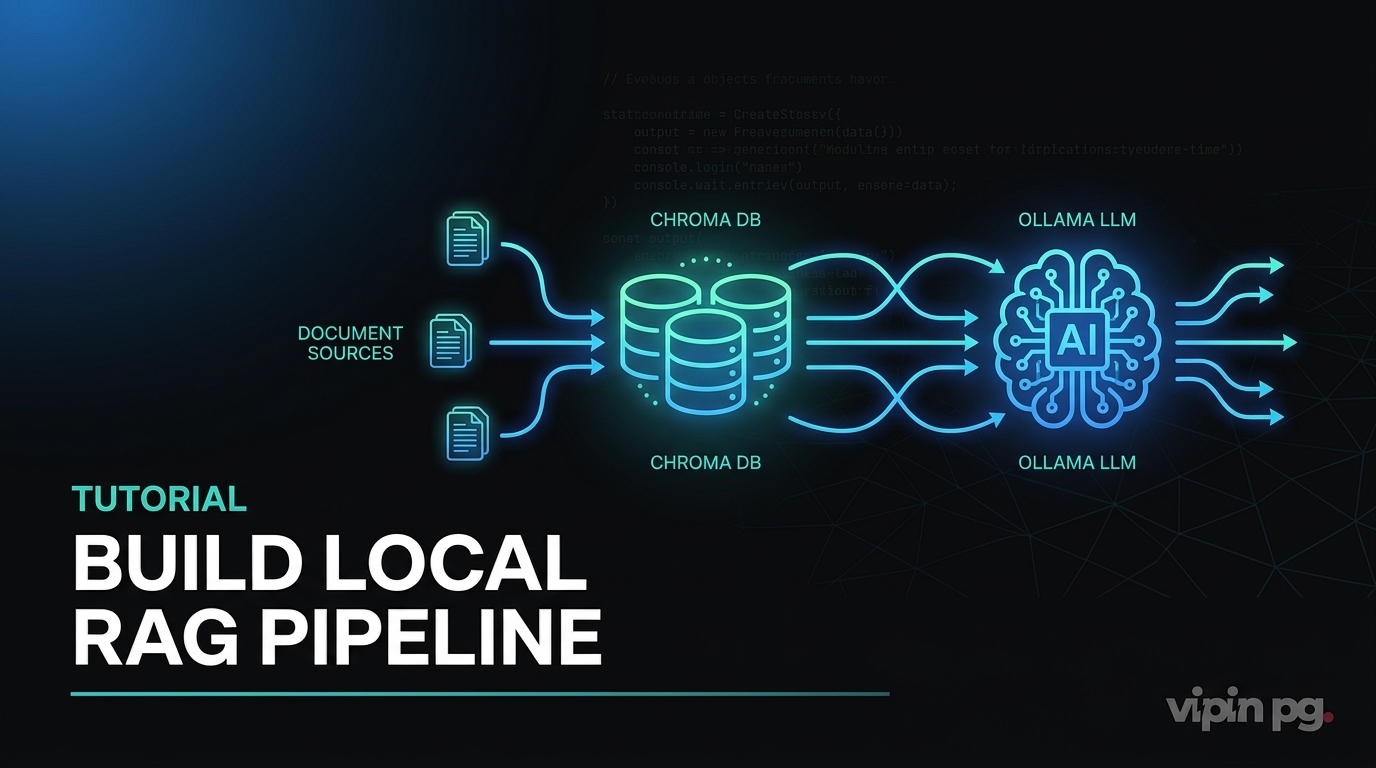
The stack consists of:
- Ollama – Hosts the LLM and embedding models locally via HTTP on port 11434
- ChromaDB – Stores vector embeddings on port 8000
- Python scripts – Handle document ingestion and query orchestration
- inotify-tools – Watches a folder for new files and triggers re-indexing
All data stays on the VM. No outbound requests to AI APIs.
Docker Compose Configuration
I created a docker-compose.yml file in /opt/rag-pipeline/:
version: '3.8'

services:
  ollama:
    image: ollama/ollama:latest
    container_name: ollama
    ports:
      - "11434:11434"
    volumes:
      - ollama-data:/root/.ollama
    restart: unless-stopped

  chromadb:
    image: chromadb/chroma:latest
    container_name: chromadb
    ports:
      - "8000:8000"
    volumes:
      - chroma-data:/chroma/chroma
    environment:
      - IS_PERSISTENT=TRUE
      - ANONYMIZED_TELEMETRY=FALSE
    restart: unless-stopped

volumes:
  ollama-data:
  chroma-data:
After running docker compose up -d, I pulled the models:
docker exec -it ollama ollama pull nomic-embed-text
docker exec -it ollama ollama pull llama3.1:8b
nomic-embed-text is a 137M parameter model designed for embeddings. llama3.1:8b handles text generation. Both run entirely on CPU in my setup, though generation is slower than I’d like—around 8-12 tokens per second depending on prompt size.
Document Ingestion Script
I wrote a Python script (ingest.py) that:
- Scans
/opt/rag-pipeline/docs/for PDFs, markdown files, and plain text - Extracts text from each file
- Splits text into chunks of 1024 characters with 200-character overlap
- Sends each chunk to Ollama’s embedding endpoint
- Stores the resulting vectors in ChromaDB
Dependencies I installed:
pip install chromadb ollama pypdf sentence-transformers
The core logic looks like this:
import os
import chromadb
from chromadb.config import Settings
from pypdf import PdfReader
import ollama

# Connect to ChromaDB
client = chromadb.HttpClient(host="localhost", port=8000)
collection = client.get_or_create_collection(name="docs")

# Function to chunk text
def chunk_text(text, chunk_size=1024, overlap=200):
    chunks = []
    start = 0
    while start < len(text):
        end = start + chunk_size
        chunks.append(text[start:end])
        start += chunk_size - overlap
    return chunks

# Process a single PDF
def ingest_pdf(filepath):
    reader = PdfReader(filepath)
    text = ""
    for page in reader.pages:
        text += page.extract_text()

    chunks = chunk_text(text)

    for i, chunk in enumerate(chunks):
        # Generate embedding
        response = ollama.embeddings(model="nomic-embed-text", prompt=chunk)
        embedding = response["embedding"]

        # Store in ChromaDB
        collection.add(
            ids=[f"{os.path.basename(filepath)}_chunk_{i}"],
            embeddings=[embedding],
            documents=[chunk],
            metadatas=[{"source": filepath, "chunk_index": i}]
        )

# Scan docs folder
docs_dir = "/opt/rag-pipeline/docs/"
for filename in os.listdir(docs_dir):
    if filename.endswith(".pdf"):
        ingest_pdf(os.path.join(docs_dir, filename))
This worked, but the first run took about 45 minutes to process 30 PDFs totaling around 800 pages. The bottleneck was embedding generation on CPU.
Query Script
For querying, I wrote query.py:
import chromadb
import ollama

client = chromadb.HttpClient(host="localhost", port=8000)
collection = client.get_collection(name="docs")

def query_rag(question):
    # Embed the question
    response = ollama.embeddings(model="nomic-embed-text", prompt=question)
    query_embedding = response["embedding"]

    # Retrieve top 3 most similar chunks
    results = collection.query(
        query_embeddings=[query_embedding],
        n_results=3
    )

    context = "\n\n".join(results["documents"][0])

    # Build prompt
    prompt = f"Context:\n{context}\n\nQuestion: {question}\n\nAnswer:"

    # Generate answer
    response = ollama.generate(model="llama3.1:8b", prompt=prompt)
    return response["response"]

# Example usage
answer = query_rag("How do I configure DNS for Synology?")
print(answer)
This retrieves the three most relevant chunks based on vector similarity, then feeds them to the LLM as context. The model generates an answer grounded in those chunks.
Automatic Ingestion with Folder Watching
I wanted new documents to be indexed automatically when dropped into the docs/ folder. I used inotifywait from inotify-tools:
#!/bin/bash

WATCH_DIR="/opt/rag-pipeline/docs/"
INGEST_SCRIPT="/opt/rag-pipeline/ingest.py"

inotifywait -m -e create -e moved_to "$WATCH_DIR" |
while read path action file; do
    echo "New file detected: $file"
    python3 "$INGEST_SCRIPT"
done
I saved this as watch_docs.sh, made it executable, and ran it in a tmux session. Now any PDF, markdown, or text file added to docs/ triggers a re-run of ingest.py.
This isn’t the most efficient approach—it re-processes everything instead of just the new file. I modified ingest.py later to check if a file ID already exists in ChromaDB before embedding it again. That reduced redundant work.
What Worked
The pipeline runs entirely offline. I verified this by blocking outbound traffic from the VM temporarily—everything continued to function. Responses are slower than cloud-based LLMs, but they’re accurate when the context chunks are relevant.
Chunking at 1024 characters with 200-character overlap worked well for most documents. Technical documentation with code blocks occasionally had issues when a code snippet was split across chunks, but this was rare.
ChromaDB’s persistence works reliably. I can restart the container without losing indexed data. The volume mounts in Docker Compose handle this correctly.
What Didn’t Work
CPU-only inference is slow. Generating a 200-word answer takes 20-30 seconds. I don’t have a GPU on this VM, and moving this workload to a machine with GPU acceleration isn’t practical for me right now. For interactive use, this latency is noticeable.
The first version of my ingestion script had no duplicate detection. Every time watch_docs.sh triggered, it re-embedded every file. This created duplicate chunks in ChromaDB with identical content but different IDs. I added a check to skip files that were already indexed by comparing filenames in metadata, but this still doesn’t handle updated files cleanly—if I edit a PDF, the old chunks remain unless I manually purge them.
Retrieval quality depends heavily on chunk size. I experimented with 512, 1024, and 2048 character chunks. Smaller chunks returned very narrow context that missed broader explanations. Larger chunks diluted relevance because unrelated content ended up in the same chunk. 1024 was a compromise, not a perfect solution.
I also tried using llama3.2:3b instead of the 8B model to speed up generation. The smaller model generated responses faster but frequently hallucinated details not present in the context. It was unusable for anything requiring accuracy.
Key Takeaways
A local RAG pipeline is practical for querying private documentation without sending data to external services. The setup is straightforward with Docker, but performance on CPU is limited.
Automatic ingestion using folder watchers works, but requires careful handling of duplicates and updates. A proper production version would track file modification times and re-chunk only changed files.
Chunk size affects retrieval quality more than I expected. Too small and you lose context. Too large and you retrieve irrelevant content. Testing with your actual documents is necessary.
Running this without GPU acceleration is slow but functional. If speed matters, GPU support or smaller models with lower quality trade-offs are required.
The entire system runs in two Docker containers and a few hundred lines of Python. Maintenance is minimal once it’s stable.


