

Why I Started Working with Custom Ollama Modelfiles
I run several self-hosted AI models on my Proxmox cluster, primarily through Ollama. For months, I used base models like Llama 3.2 and Mistral without modification. They worked fine for general tasks, but I kept running into the same problem: the responses were too generic for my specific workflows.
I write technical documentation regularly. I also process logs and debug output from my home lab. Base models would give me essay-length responses when I needed concise technical summaries. They’d hallucinate package names or suggest configurations I’d never use. I needed models that understood my context without me repeating instructions every single time.
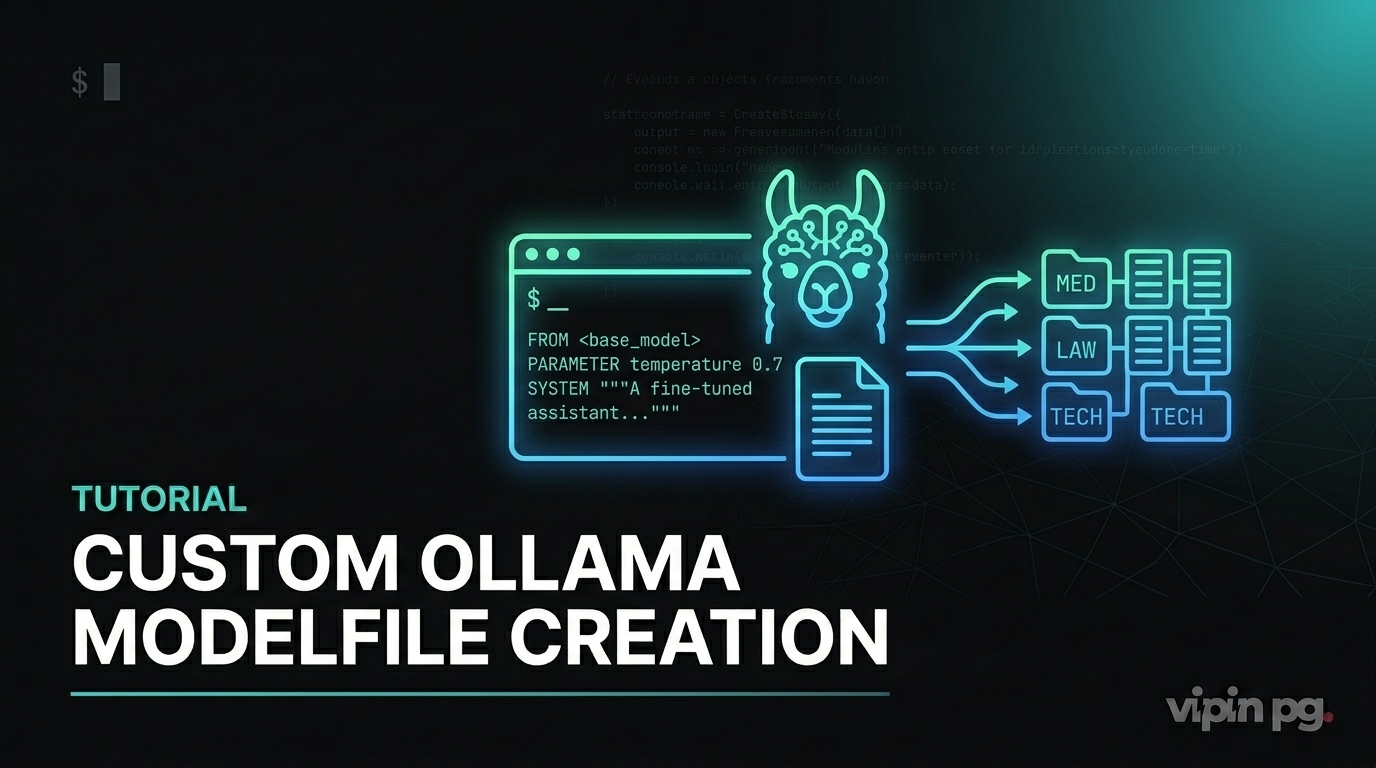
That’s when I started exploring Ollama Modelfiles. Not fine-tuning in the traditional sense—I don’t have the GPU resources or time for that—but lightweight customization through adapters and configuration.
What a Modelfile Actually Does
A Modelfile is a text configuration file that tells Ollama how to build a custom model. It’s conceptually similar to a Dockerfile but for language models. You start with a base model and layer on modifications: behavior parameters, system prompts, and optionally LoRA adapters.
The key insight: you’re not retraining the model. You’re adjusting how it responds by changing its configuration and applying small adapter weights. This makes the process fast and resource-efficient.
My First Custom Model: A Technical Writer Assistant
My first real use case was creating a model specifically for writing technical documentation. I wanted responses that were direct, avoided marketing language, and stuck to first-person perspective when appropriate.
Here’s the Modelfile I created:
FROM llama3.2

PARAMETER temperature 0.3
PARAMETER num_ctx 4096
PARAMETER top_p 0.85
PARAMETER repeat_penalty 1.15

SYSTEM You are a technical documentation writer. Write in clear, direct language. Avoid marketing terms. Use first-person when describing implementations. Focus on practical steps and real configurations. If something is theoretical or unverified, state that explicitly.
I created this model with the command:
ollama create tech-writer -f ./Modelfile.tech
The temperature setting of 0.3 made responses more deterministic. I didn’t want creative flourishes—I wanted consistent technical accuracy. The repeat_penalty of 1.15 reduced the model’s tendency to reuse the same phrases, which was common in longer documentation.
What Worked
The custom system prompt made a noticeable difference. Responses became shorter and more focused. The model stopped starting every answer with “Certainly!” or “Of course!” which base models do constantly. It stuck to technical details without padding.
More importantly, the context window of 4096 tokens let me feed in entire configuration files or log outputs for analysis. With base models, I was constantly hitting context limits.
What Didn’t Work Initially
My first version had temperature set to 0.7, which was too high. The model would still inject unnecessary explanations and conversational filler. Lowering it to 0.3 fixed that, but it took me a few days of testing to find the right balance.
I also tried adding MESSAGE instructions to provide example exchanges, thinking it would help with tone. It didn’t make much difference for my use case. The system prompt alone was sufficient.
Working with LoRA Adapters for Domain-Specific Models
System prompts and parameter tuning only go so far. For truly domain-specific behavior, I needed to work with LoRA adapters. These are small weight files trained on specific datasets that modify the base model’s behavior.
I found a fine-tuned adapter on Hugging Face designed for analyzing server logs. The adapter was in Safetensors format, which Ollama supports. The critical requirement: the adapter must be built from the same base model you’re using. If your adapter was trained on Llama 3.1 but you try to apply it to Mistral, you’ll get nonsense responses.
My Setup with Adapters
I downloaded the adapter files and placed them in the same directory as my Modelfile. Here’s what that Modelfile looked like:
FROM llama3.1

ADAPTER ./log-analyzer-adapter

PARAMETER temperature 0.2
PARAMETER num_ctx 8192

SYSTEM You analyze server logs and extract actionable issues. Focus on errors, warnings, and anomalies. Provide specific line references when possible.
Creating the model:
ollama create log-analyzer -f ./Modelfile.logs
This took longer than a standard Modelfile because Ollama had to integrate the adapter weights into the model layers. On my Proxmox node with 32GB RAM, it completed in about two minutes.
Real Results
The adapter-enhanced model was significantly better at parsing technical output. When I fed it Nginx error logs, it correctly identified rate-limiting issues and suggested configuration changes. The base model would have given generic troubleshooting advice.
The context window of 8192 was essential here. Log files are verbose. I needed to feed in hundreds of lines at once for the model to identify patterns.
Where Adapters Fall Short
Adapters are not magic. They’re trained on specific datasets, and if your use case falls outside that training data, the model doesn’t perform better than the base version. I tried using the log-analyzer model on application-level logs from my n8n instance, and it was no better than the standard model. The adapter was trained on system logs, not application logs.
Also, quantization matters. Most adapters work best with non-quantized base models (FP16 or FP32). If you’re running a quantized model like Q4_K_M for performance, the adapter might not integrate cleanly. I ran into this when trying to use an adapter with a heavily quantized model—responses became incoherent.
Importing GGUF Models Directly
Some models on Hugging Face are distributed directly as GGUF files, which Ollama can import without conversion. This is useful if you want to run a fully fine-tuned model rather than applying an adapter to a base model.
I tested this with a medical terminology model I found. The GGUF file was 4.8GB. Here’s the Modelfile:
FROM ./medical-llama-3.1.Q4_K_M.gguf

PARAMETER temperature 0.1
PARAMETER num_ctx 4096
Creating the model:
ollama create medical-assistant -f ./Modelfile.medical
This worked without issues. The imported model retained its fine-tuning and responded accurately to medical terminology queries. However, importing GGUF models takes significant disk space. Each custom model adds several gigabytes to your Ollama registry.
Storage Considerations
I store all my Ollama models on a ZFS dataset with compression enabled. Even with compression, I’m using about 60GB for five custom models. If you’re running this on limited storage, plan accordingly.
Parameter Tuning: What Actually Matters
After creating several custom models, I learned which parameters have real impact and which are mostly placebo.
Temperature
This is the most important knob. Lower values (0.1-0.4) make responses deterministic and focused. Higher values (0.7-1.0) introduce creativity and variation. For technical tasks, I always stay below 0.5. For creative writing or brainstorming, I use 0.8.
Context Window (num_ctx)
Directly impacts how much input you can provide. I default to 4096 for most tasks. For log analysis or large code reviews, I use 8192. Going higher (16384+) works but increases memory usage significantly and slows down response time.
Repeat Penalty
Values above 1.0 reduce repetitive phrasing. I use 1.1 to 1.15 for most models. Higher values can make responses feel unnatural.
Top_p and Top_k
These control token sampling. I rarely adjust them. The defaults (top_p around 0.9, top_k around 40) work fine for most use cases. I only lower top_p (to 0.7-0.8) when I want more deterministic responses alongside low temperature.
Managing Multiple Custom Models
I now run six custom Ollama models on my home lab. Each serves a specific purpose:
- tech-writer: Documentation and technical writing
- log-analyzer: Server and system log analysis
- code-reviewer: Code review and refactoring suggestions
- summarizer: Condensing long documents or outputs
- router: Lightweight model for routing queries to other tools
- general: Standard Llama 3.2 for everything else
Switching between models is fast. I use the Ollama API from my automation workflows in n8n. Each workflow calls the appropriate model based on the task type.
Practical Switching
From the command line:
ollama run tech-writer "Explain how ZFS snapshots work"
From n8n, I use HTTP Request nodes pointing to the Ollama API endpoint with the model name in the request body. This lets me chain different models in a single workflow.
What I Learned About System Prompts
System prompts are more effective than I initially thought. A well-written system prompt can replace many parameter adjustments. The key is being specific without being verbose.
Bad system prompt:
SYSTEM You are a helpful assistant that provides great answers and is very knowledgeable.
This does nothing. Every base model already behaves this way.
Good system prompt:
SYSTEM You are a network engineer. Analyze network configurations for security issues. Focus on firewall rules, open ports, and routing tables. Provide specific line numbers when referencing configuration files.
The second version sets clear boundaries and expectations. The model knows what to focus on and what format to use.
Limitations and Honest Trade-offs
Custom Modelfiles are powerful, but they’re not real fine-tuning. You’re configuring behavior, not fundamentally changing the model’s knowledge. If the base model doesn’t understand a domain, a Modelfile won’t fix that—you need an adapter or a fully fine-tuned model.
Adapters help, but they require careful matching between base model and adapter source. I’ve wasted time troubleshooting bad responses, only to realize I was using an incompatible adapter-base pair.
Resource usage is non-trivial. Each custom model takes several gigabytes of disk space. Running multiple models simultaneously requires significant RAM. On my setup (32GB RAM, 6-core CPU), I can comfortably run two models at once. Three models slow down noticeably.
Finally, this approach assumes you’re comfortable with command-line tools and text configuration files. If you’re expecting a GUI or point-and-click interface, Ollama Modelfiles aren’t that.
Key Takeaways
Custom Ollama Modelfiles let you create lightweight, domain-specific models without GPU-intensive fine-tuning. They work best when you need consistent behavior changes—tone, verbosity, focus areas—rather than entirely new knowledge.
Start with system prompts and parameter adjustments before diving into adapters. Most use cases don’t need adapters. When you do use adapters, verify they match your base model exactly.
Treat custom models like tools in a toolbox. Build specific models for specific tasks rather than trying to create one perfect general-purpose model. Switching between models is fast enough that specialization makes sense.
Expect to iterate. My first versions of every custom model were wrong in some way—too creative, too verbose, wrong context window. Testing with real inputs is the only way to tune them properly.


